
 Documents
 Join our Discord
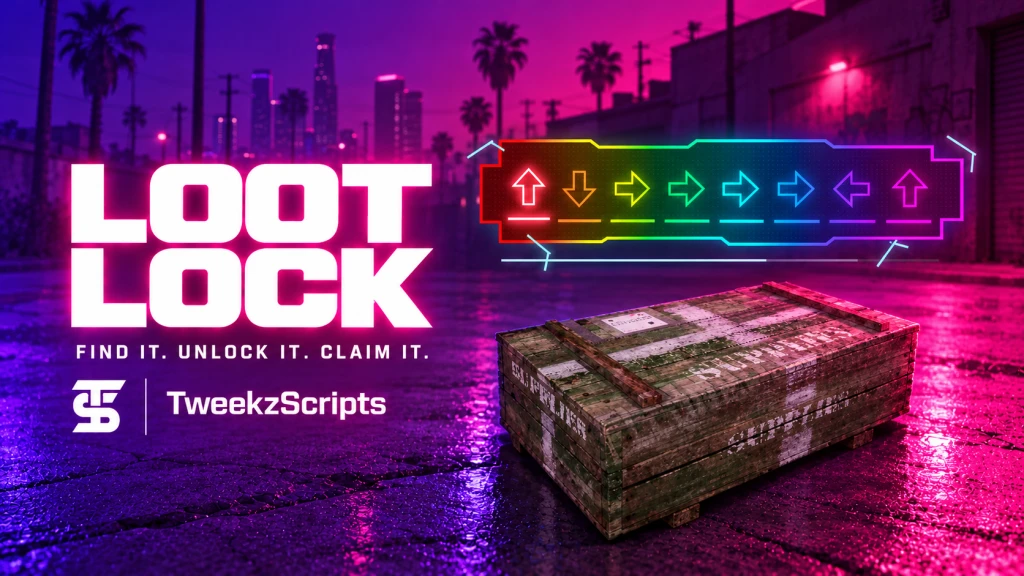
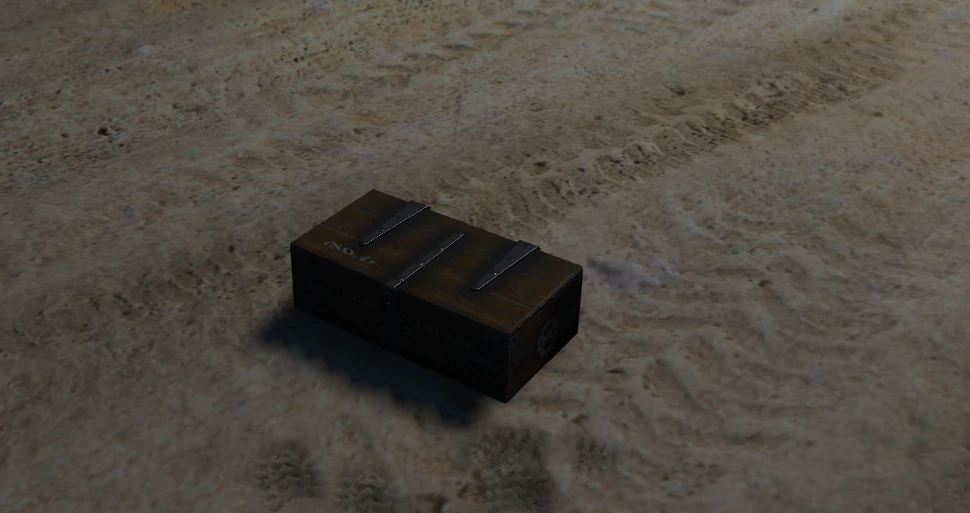
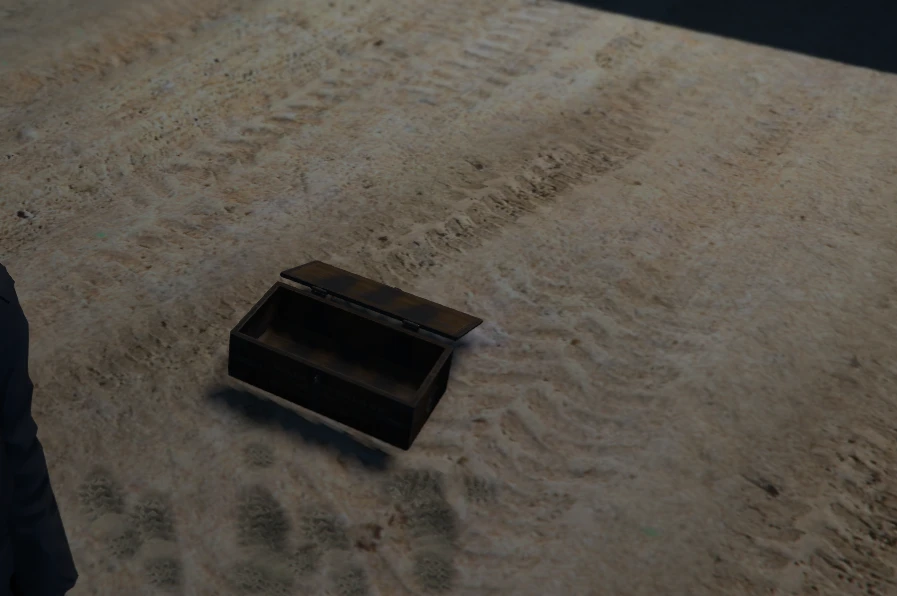
Bring interactive loot crates and challenging lock minigames to your FiveM server!
LootLock is a standalone-first FiveM resource that allows server owners to place customizable loot crates throughout their server.
Players can discover crates, complete an interactive arrow-lock minigame and unlock various rewards, including items, money, weapons and more.
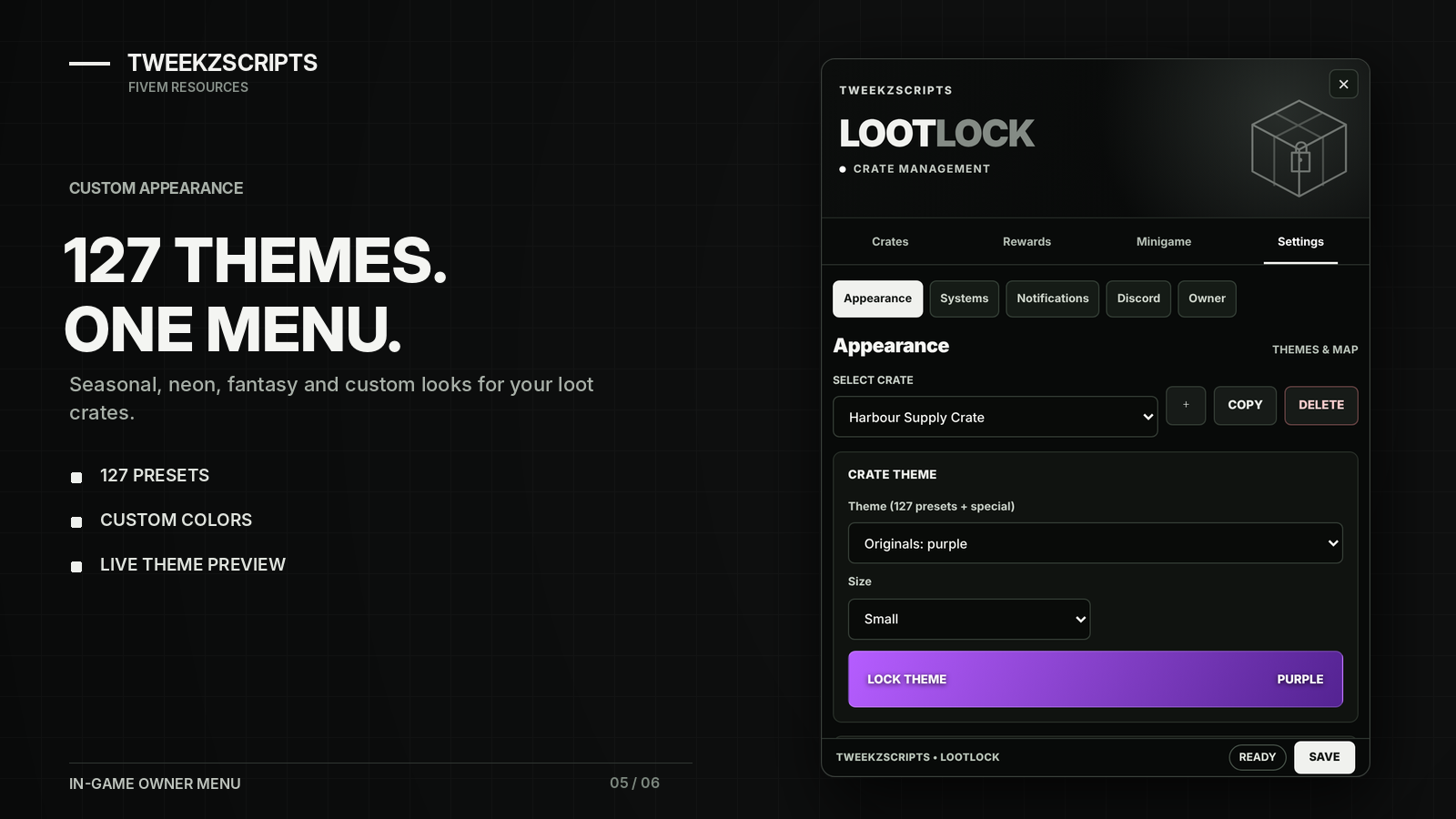
With 127 visual themes and a complete in-game management menu, server owners can easily customize their crates without manually editing configuration files.
Features
Interactive Loot Crates — Place crates anywhere on your server with customizable locations and settings.
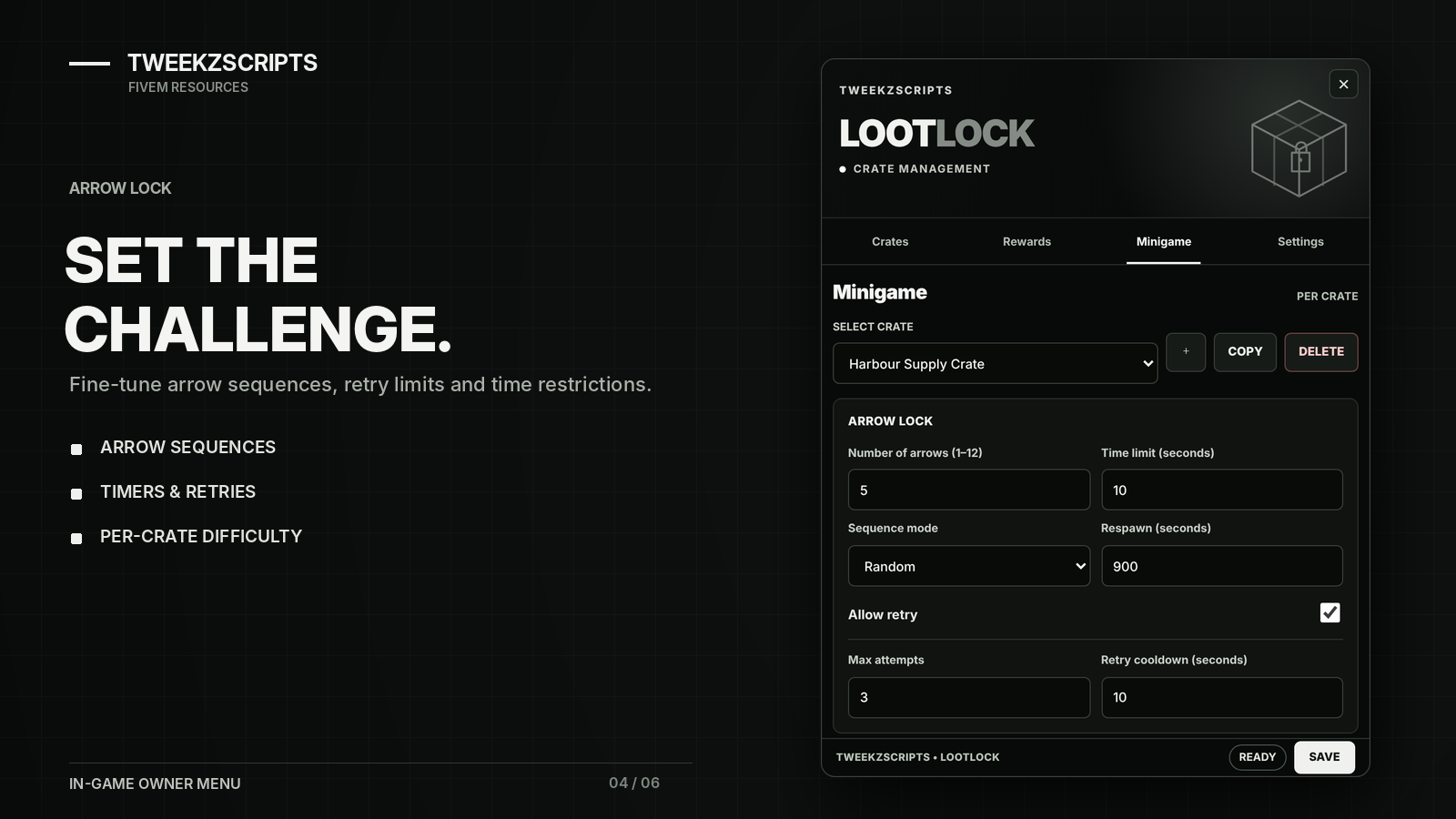
Arrow-Lock Minigame — Unlock crates by completing arrow sequences.
Customizable Difficulty — Adjust arrows, timers, attempts and cooldowns.
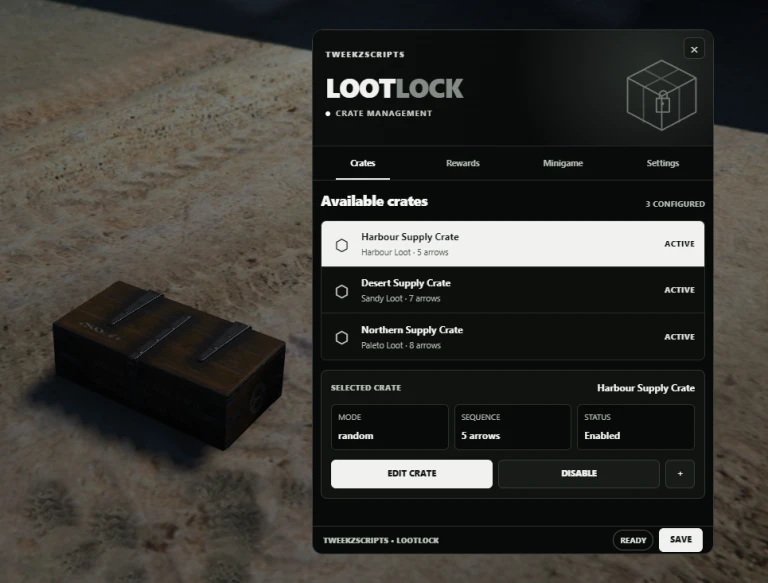
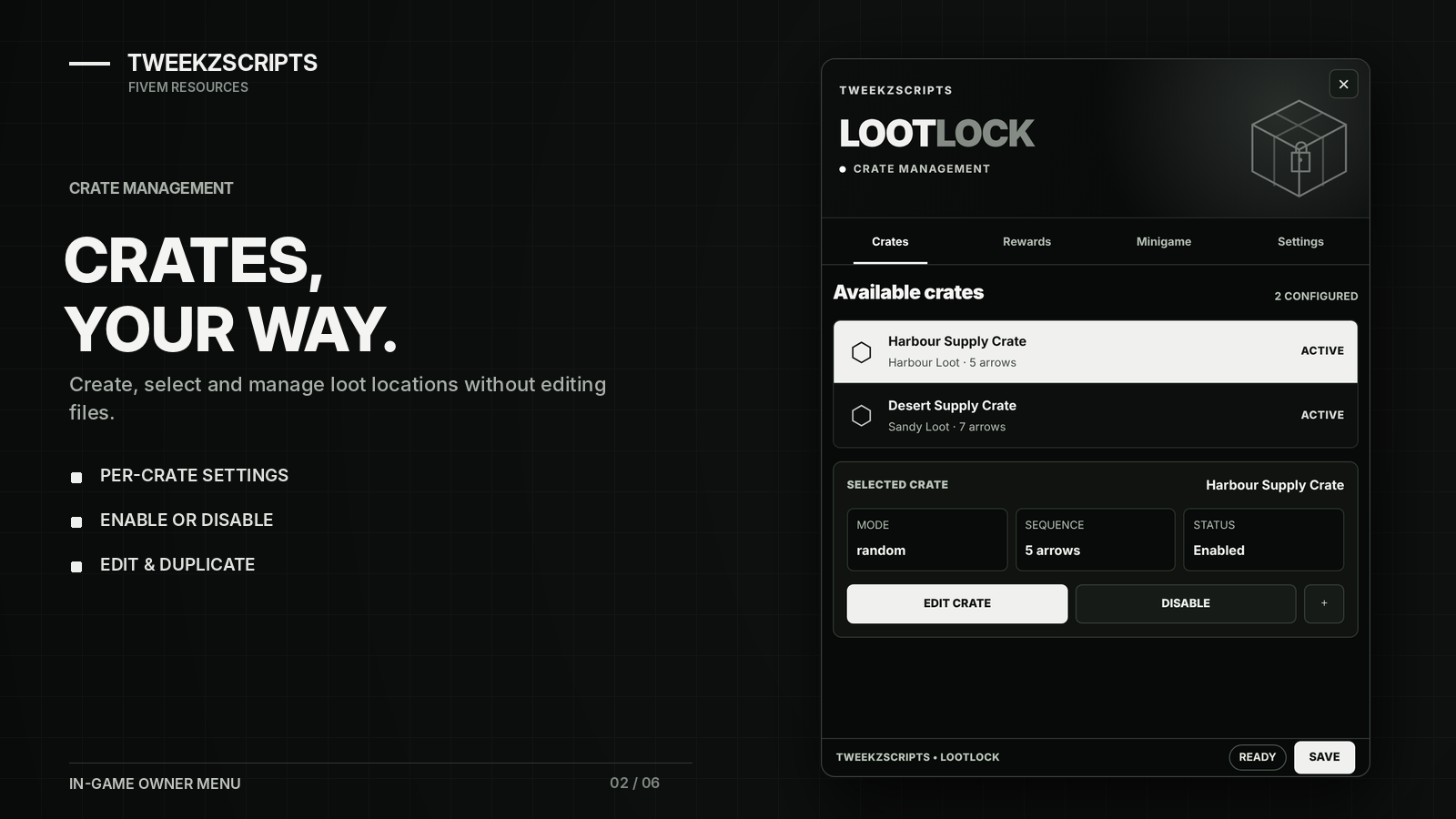
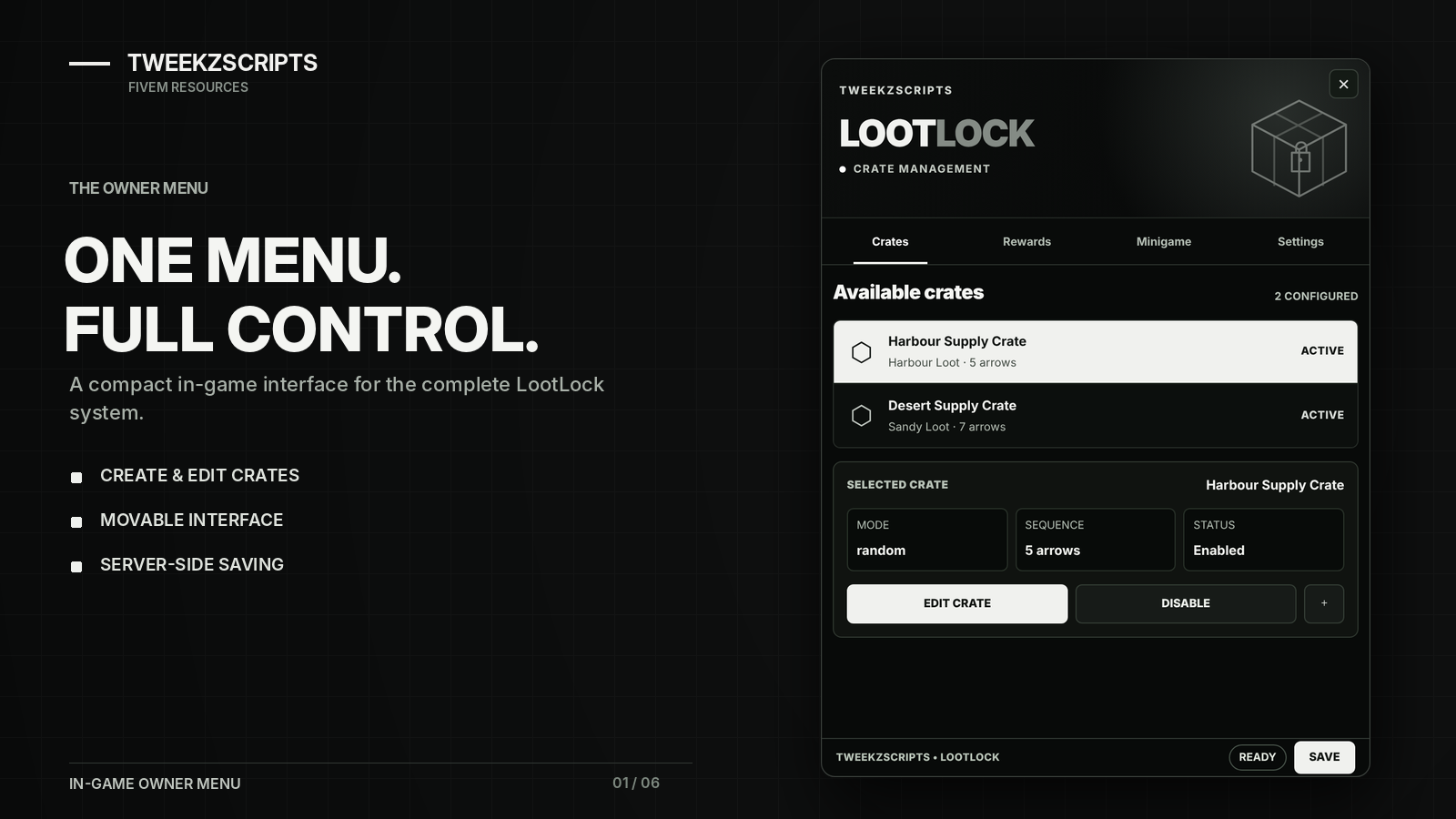
In-Game Owner Menu — Create, edit, duplicate, enable and remove crates directly in-game.
127 Visual Themes — Choose from neon, seasonal, holiday, luxury and fantasy themes.
Custom Appearance — Configure crate sizes, colors, themes and visual effects.
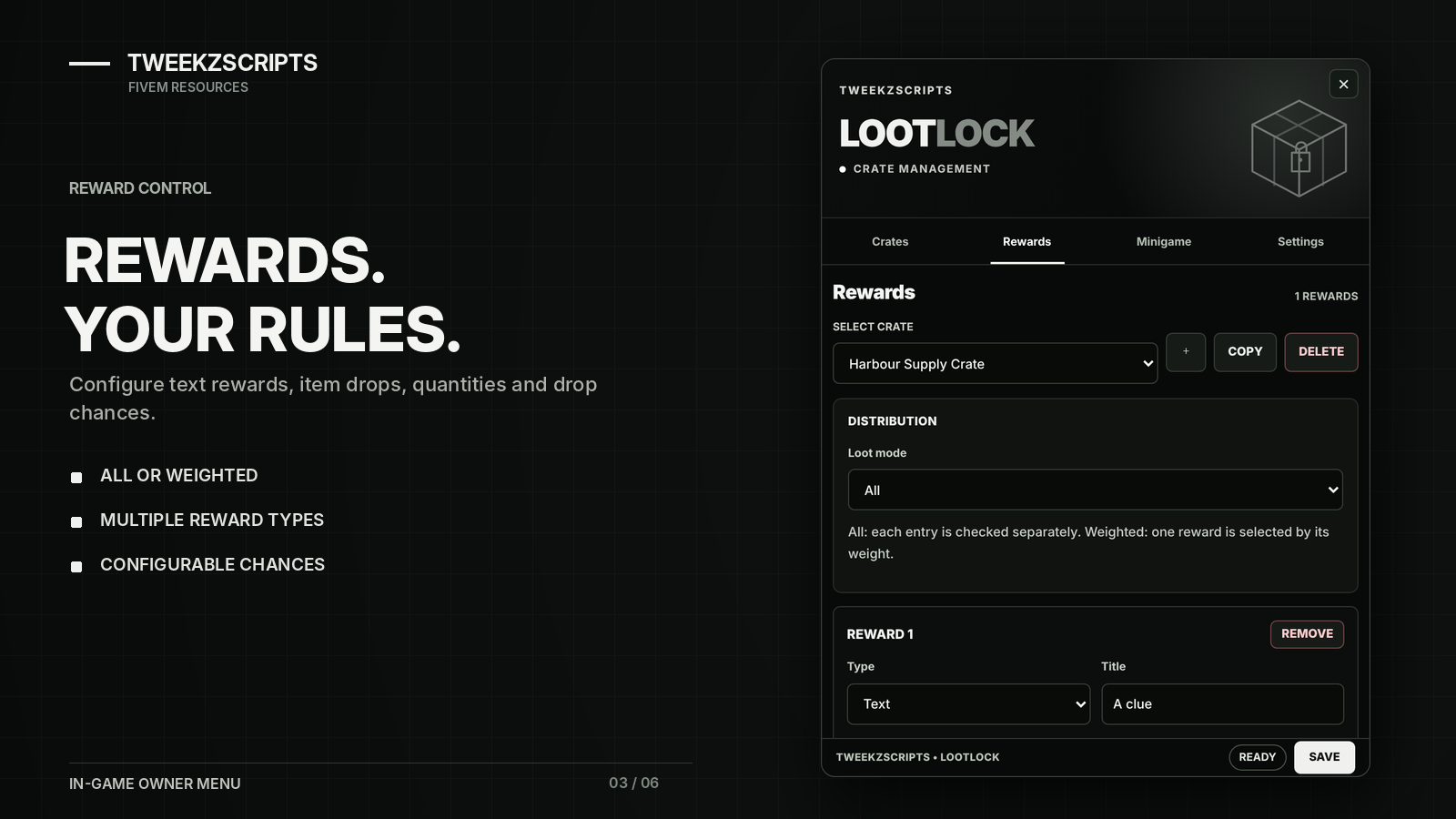
Multiple Reward Types — Items, weapons, ammunition, cash, bank money, black money and text rewards.
Reward Configuration — Customize quantities, drop chances and weighted rewards.
Map Blips — Configure crate locations, icons, colors and visibility.
Respawn System — Set individual crate respawn times and cooldowns.
Custom TweekzScripts UI — Compact black-and-white interface with a movable management menu.
Discord Logging — Track unlocks, failed attempts, rewards and owner changes.
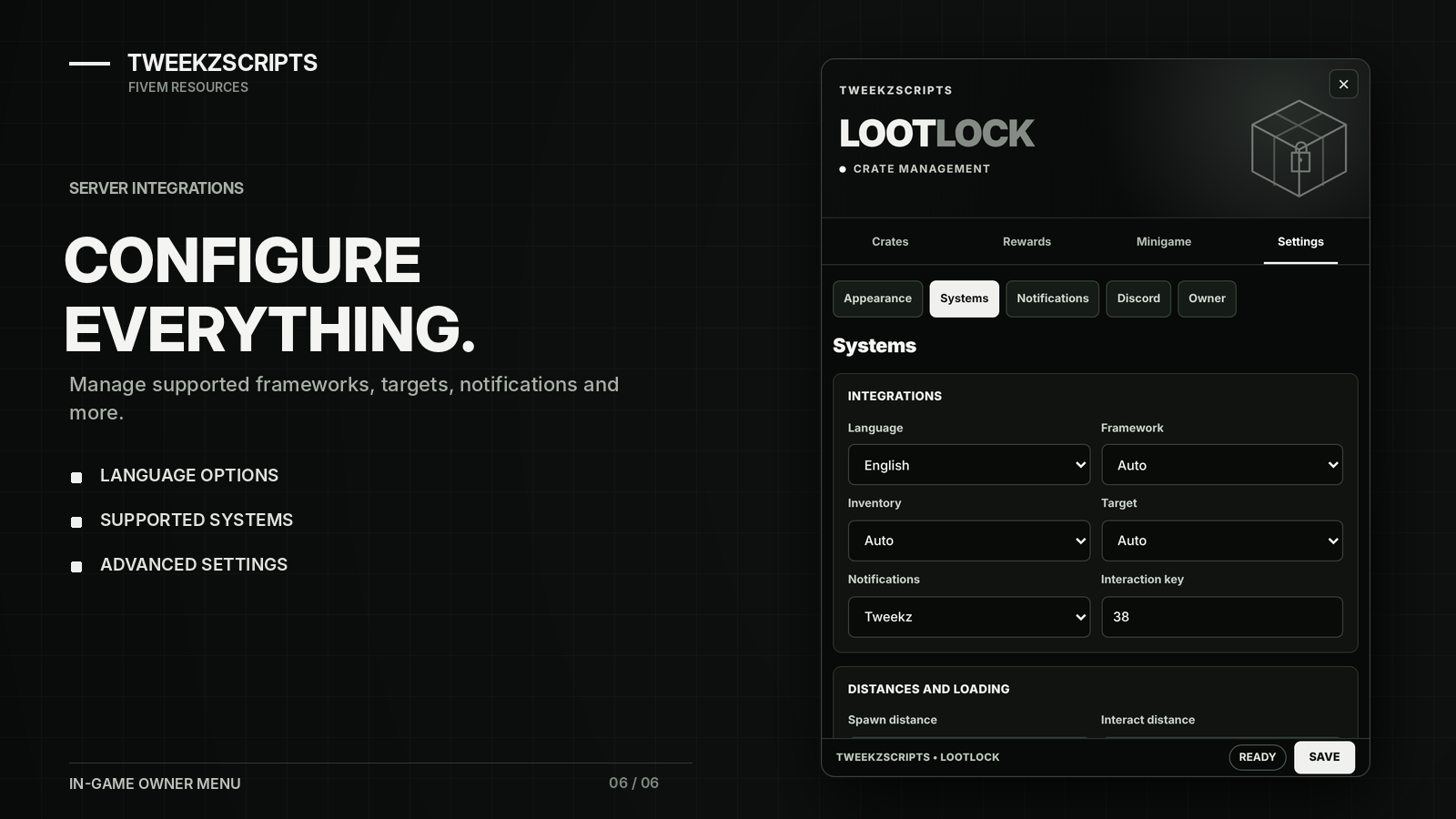
Multi-Language Support — English, Dutch, German, French and Spanish.
Persistent Storage — Settings and crate configurations are saved between restarts.
Standalone Support — Works without QBCore, Qbox or ESX.
Compatibility
Standalone
QBCore / Qbox
ESX
Multiple inventory systems, including ox_inventory
ox_target / qb-target
Standard key interactions
Multiple notification systems
OneSync required
No external database required.
Customization
Most settings can be configured directly through the in-game Owner Management Menu.
Customize crate locations, rewards, difficulty, themes, minigames, blips, notifications, integrations and Discord webhooks.
Owner access is configured in config.lua, while additional custom integrations can be added through server/custom.lua.
Installation
Add the tweekz_lootlock resource to your server, configure your owner access in config.lua and include ensure tweekz_lootlock in your server.cfg.
Make sure OneSync is enabled and any selected framework or integration resources are started.
Use /lootlockmenu in-game to manage your crates and settings.
Full installation instructions are available in the included README and online documentation.
Support
Need assistance? Contact us through our official Discord ticket system.
Website: https://tweekzscripts.com/
Documentation: https://tweekzscripts.com/docs-lootlock
Discord Support: https://tweekzscripts.com/discord